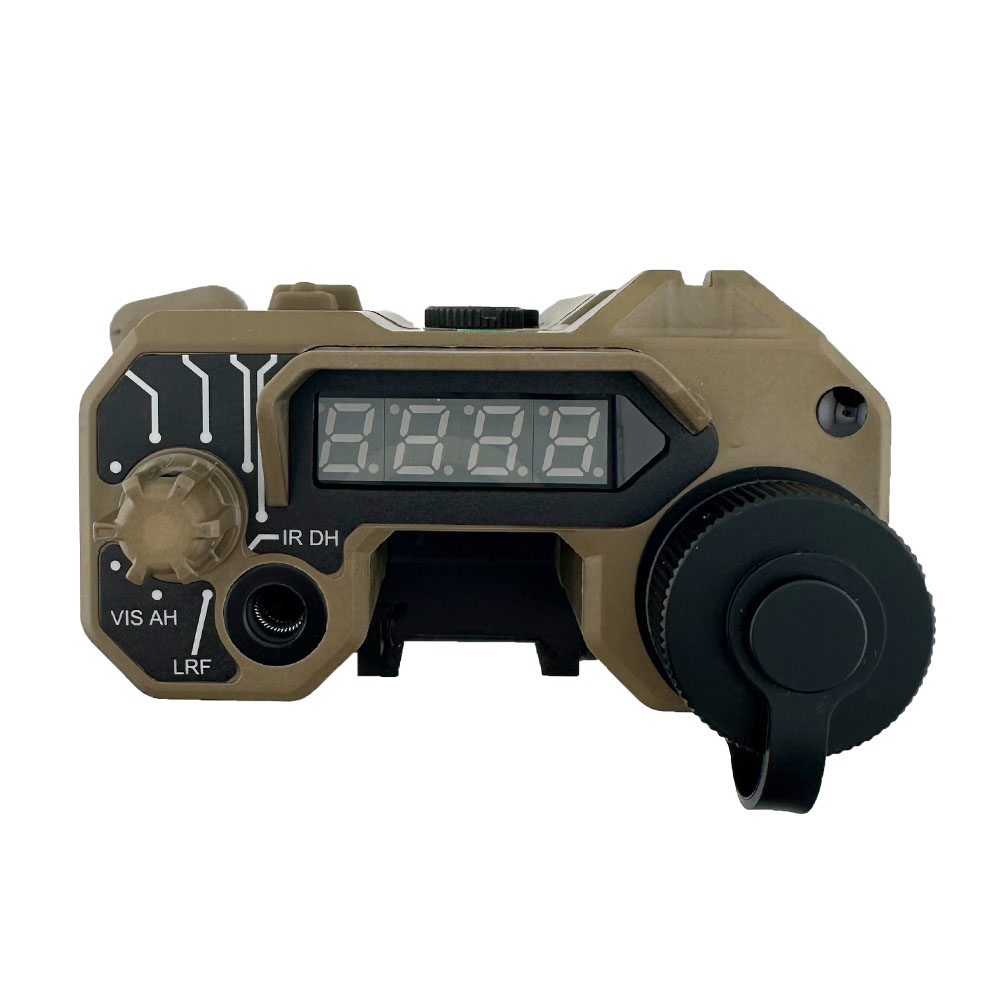

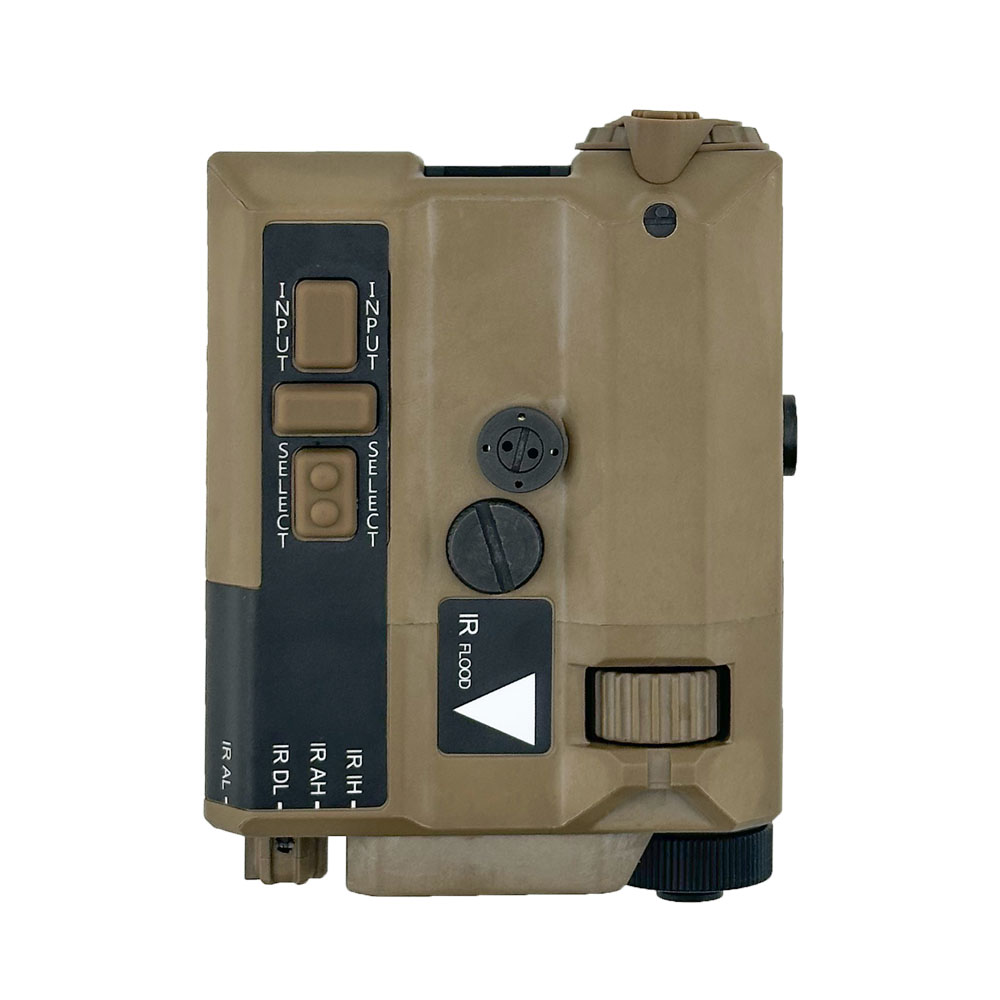
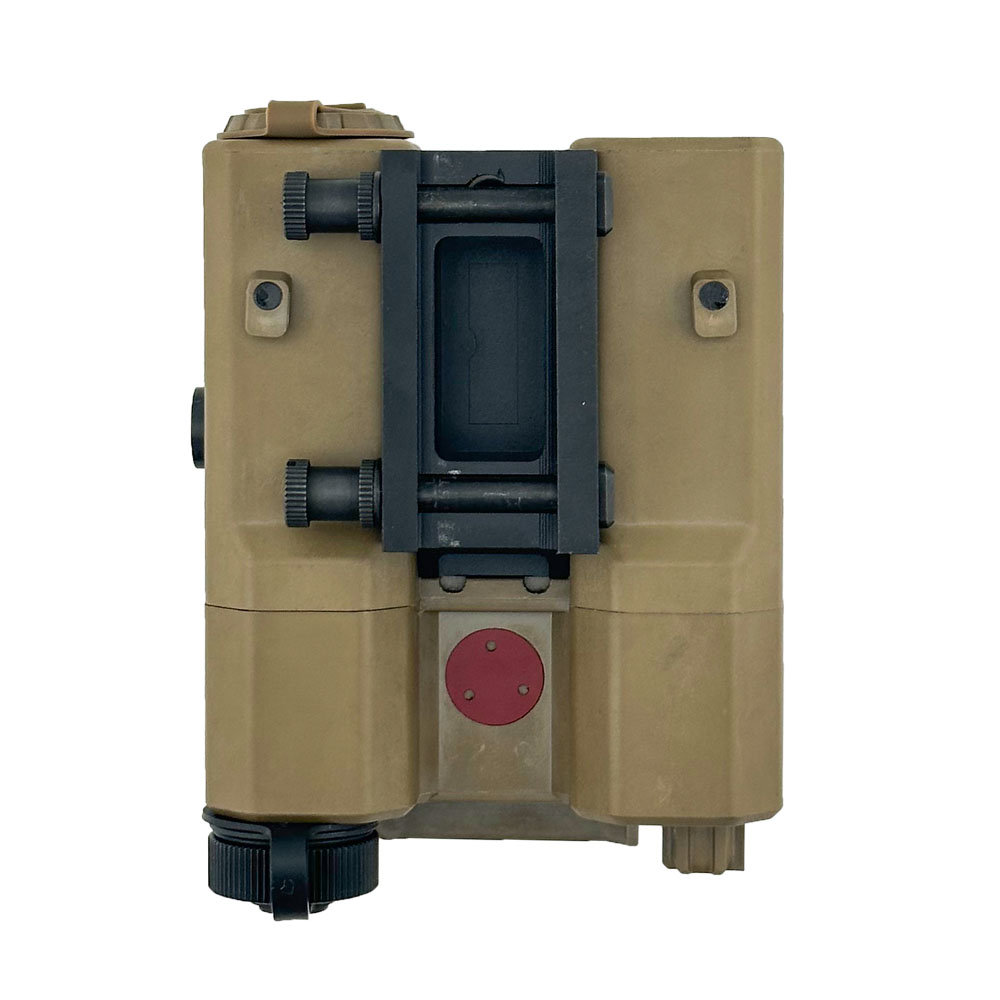
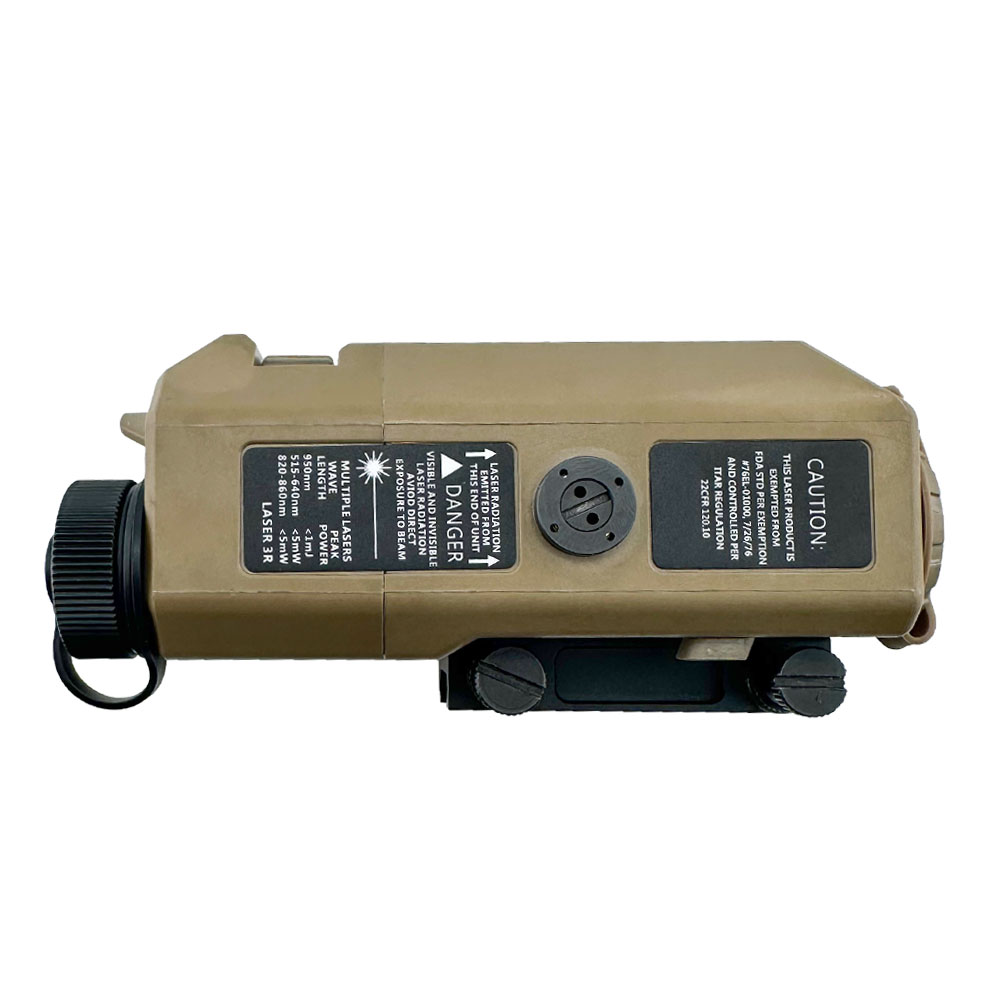
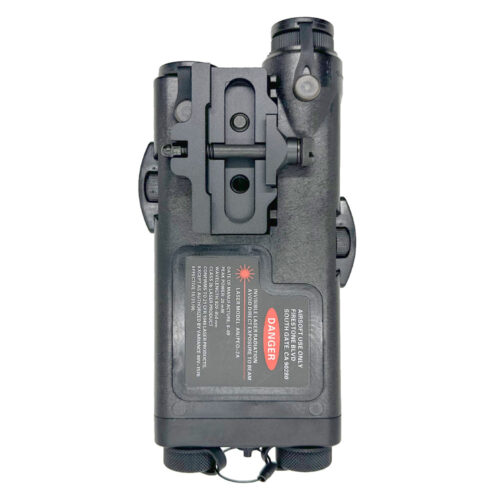
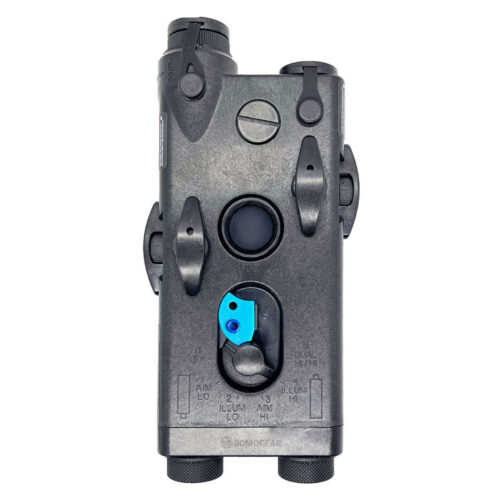
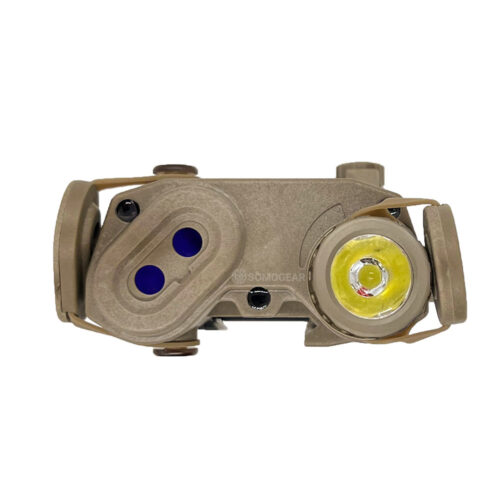
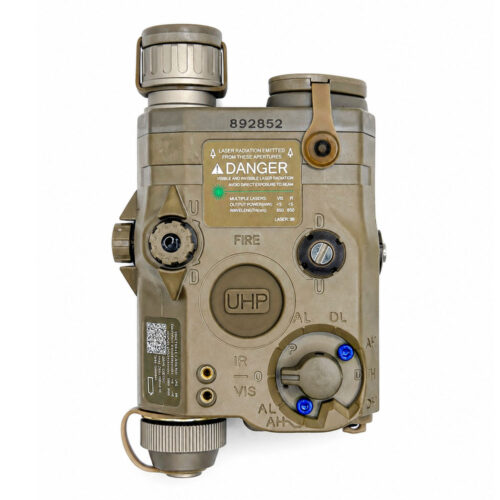
With a range of 5 to 999 meters, this unit combines multiple functions in one device — including a visible laser, IR laser, VCSEL-based IR illuminator, and an integrated laser rangefinder (LRF).


$520.00
With a range of 5 to 999 meters, this unit combines multiple functions in one device — including a visible laser, IR laser, VCSEL-based IR illuminator, and an integrated laser rangefinder (LRF).
The SomoGear RAPTAR-S is a rangefinder unit with an integrated IR laser and IR illuminator.
Note: This model does not feature an applied ballistics solver, designed for airsoft use.
***Due to differences in monitor settings and lighting conditions, actual color may vary slightly from the images shown.***

RAPTAR COMBO TECHNICAL SPECIFICATIONS
Package Include:
1 x Raptar-S Rangefinder
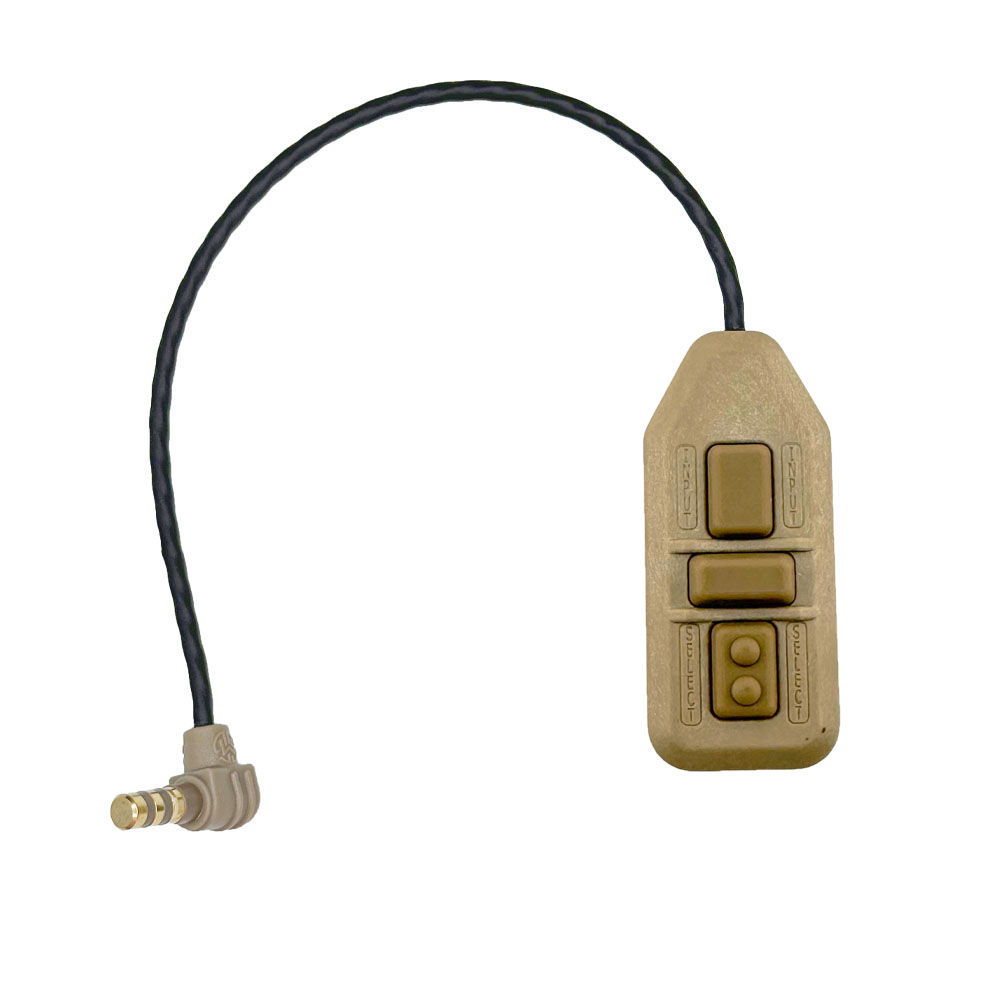
1 x Remote Keypad Switch
Remark:
NOT include the battery (due to airmail restricted)
To maximize battery life, we highly recommend removing the battery when the device is not in use for an extended period.
=============================================
How to use the rangefinding function:
=============================================
Raptar-S Rangefinder’s IR Illuminator Pulse Rates Operation Manual
In addition to momentary and continuous modes of operation, the IR illuminator may be programmed to operate in pulse mode at either 1, 2, 4, 8 pulses per second.
To access the programming mode, the mode selector must be turned to the desired pulse rate within 5 seconds of pressing the Two-dot raised button.


How to cancel the Pulse Rate? How to Stay on the illuminator beam?
WARNING:
| Weight | 0.5 kg |
|---|---|
| Dimensions | 19 × 14 × 6.6 cm |
| Housing Color | TAN, BLACK |
| Laser Color | Green, Red |
Only logged in customers who have purchased this product may leave a review.



Matthew***ott –
Picked up the RAPTAR-S mainly for the integrated rangefinder and it hasn’t disappointed. The ability to range targets and immediately transition to the laser is extremely convenient.
No, it’s not a military-grade Wilcox unit, but at this price point I wasn’t expecting it to be. For civilian NV training and range use, it’s a solid piece of kit and adds a lot of realism to my setup.